
Employee time and attendance system
See who's at work, deal with missing clock-ins, and pull hours and leave together for payroll.
Attendance records
Clock in from a browser, a phone or an NFC station — every clock-in lands in the same report.
Calculated by law
Break deductions, overtime tiers, Shabbat and holiday rates according to the Hebrew calendar.
From report to payroll
Lock the month and get a consolidated report for the payroll administrator to review and send to the payroll system.
Tools for managing attendance in your business
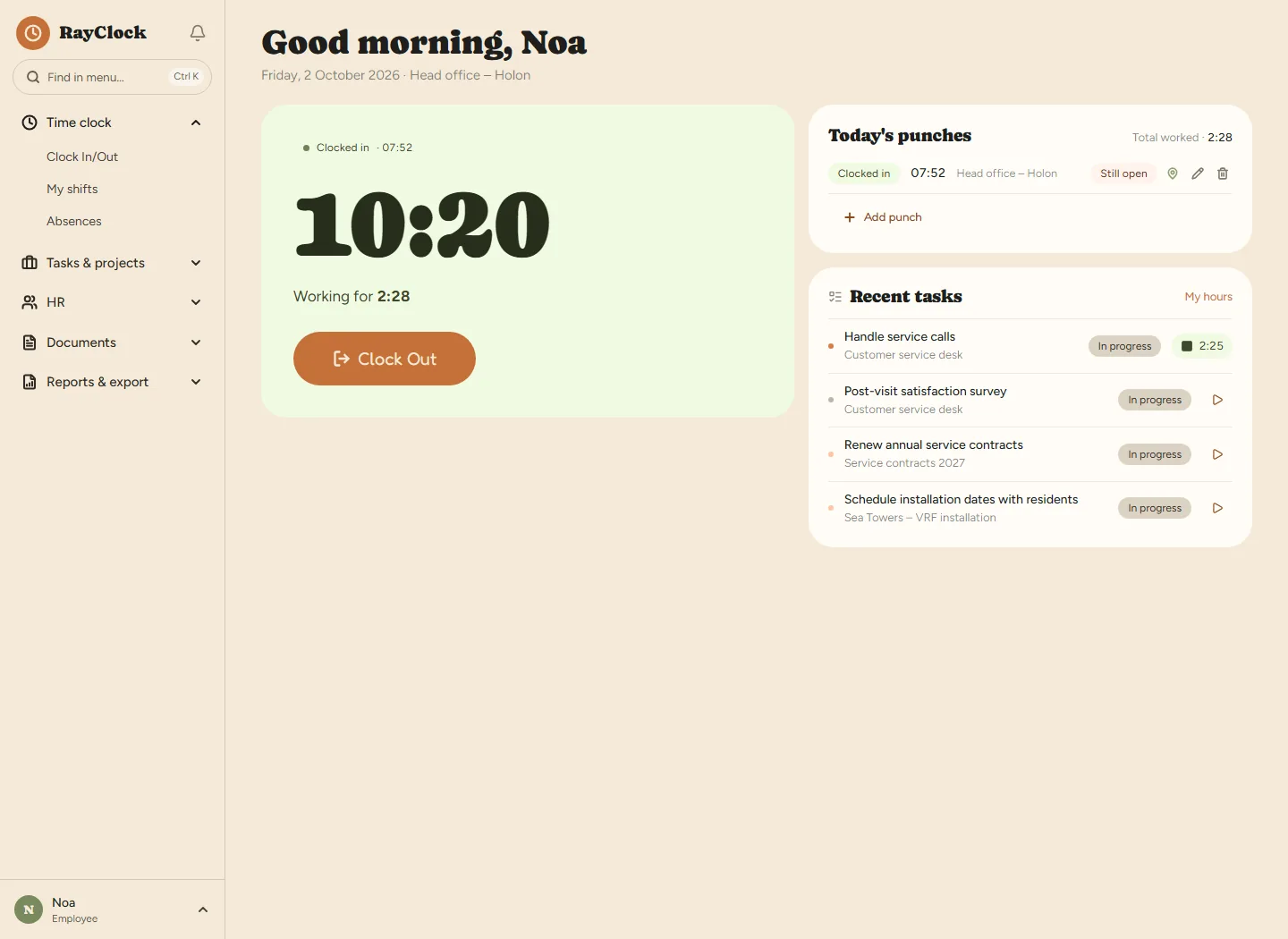
Not sure how your employees should clock in? Our guide comparing clock-in methods covers every option. Field teams are best served by an attendance clock app for mobile with location verification, and for a business everyone comes to — an NFC clock-in station at the entrance. Working in shifts? Plan the week with shift scheduling, and see who arrived for their shift.
One system that grows with your business
 Small and medium businessesRestaurants, shops, clinics and offices
 Distributed and high-tech teamsHybrid work and hours assigned to projects
 Accountants and payroll administratorsA panel that brings all your clients together
Where to next: Time and attendance and employee management for businesses in Israel · How to choose an attendance clock for your business · What it costs
Frequently asked questions
What is the difference between an attendance clock and a time and attendance system?
An attendance clock records ins and outs. A time and attendance system takes those records further: it calculates hours under the Hours of Work and Rest Law, manages vacation and sick leave, keeps employee files and documents, and produces a payroll-ready report.
Do I need to buy hardware to run the system?
Clocking in from a browser or phone requires no attendance clock purchase. Clocking in with an NFC tag or card requires compatible equipment and setup; the physical equipment is ordered separately.
Is the system suitable for a small business with just a few employees?
Yes. Pricing is per active employee per month — ₪14 per employee, dropping to ₪5 as your team grows.
How does the data get from the system to the payslip?
At month end you lock the month and generate a consolidated report with everything the payroll administrator needs: regular hours, overtime by tier, Shabbat and holidays, vacation and sick leave. Accountants and payroll administrators get a dedicated panel that brings all their clients into one screen.
Does the system meet Israeli legal requirements for attendance records?
The system is built around the Hours of Work and Rest Law and Amendment 24 to the Wage Protection Law: detailed daily hour records, break deductions based on the length of the workday, 125% and 150% overtime tiers, Shabbat and holiday rates according to the Hebrew calendar, and an activity log that records every correction — who changed what, and when.
How long does it take to get started?
Sign up, confirm your email, add an employee and send them an invitation — then they can clock in. You can start with one employee and add the rest later. Every step is in the setup guide.
Can I bring employees over from another system or from Excel?
Yes. Import an employee list from an Excel or CSV file, even one exported from another attendance or payroll system — the columns are recognized automatically, and you approve before the import.
What happens when the trial ends?
The trial runs 14 days with no automatic charge. To continue, you choose a plan and pay inside the system, based on the number of active employees. Details on the pricing page.