Several branches, one account
Set up each branch as a work site. Employees clock in from their phone, and location is checked only at that moment against the site.
Several branches, morning and evening shifts, and staff who join for the season — all in one account and one monthly report.

Set up each branch as a work site. Employees clock in from their phone, and location is checked only at that moment against the site.
Build the schedule from templates and publish it to employees. Shift swaps and open shifts to pick up — with manager approval.
Import a list from Excel before the season and mark them inactive after it. You pay only for active employees.
Overtime, Shabbat and holidays are calculated by law. At month-end, lock and export to payroll.
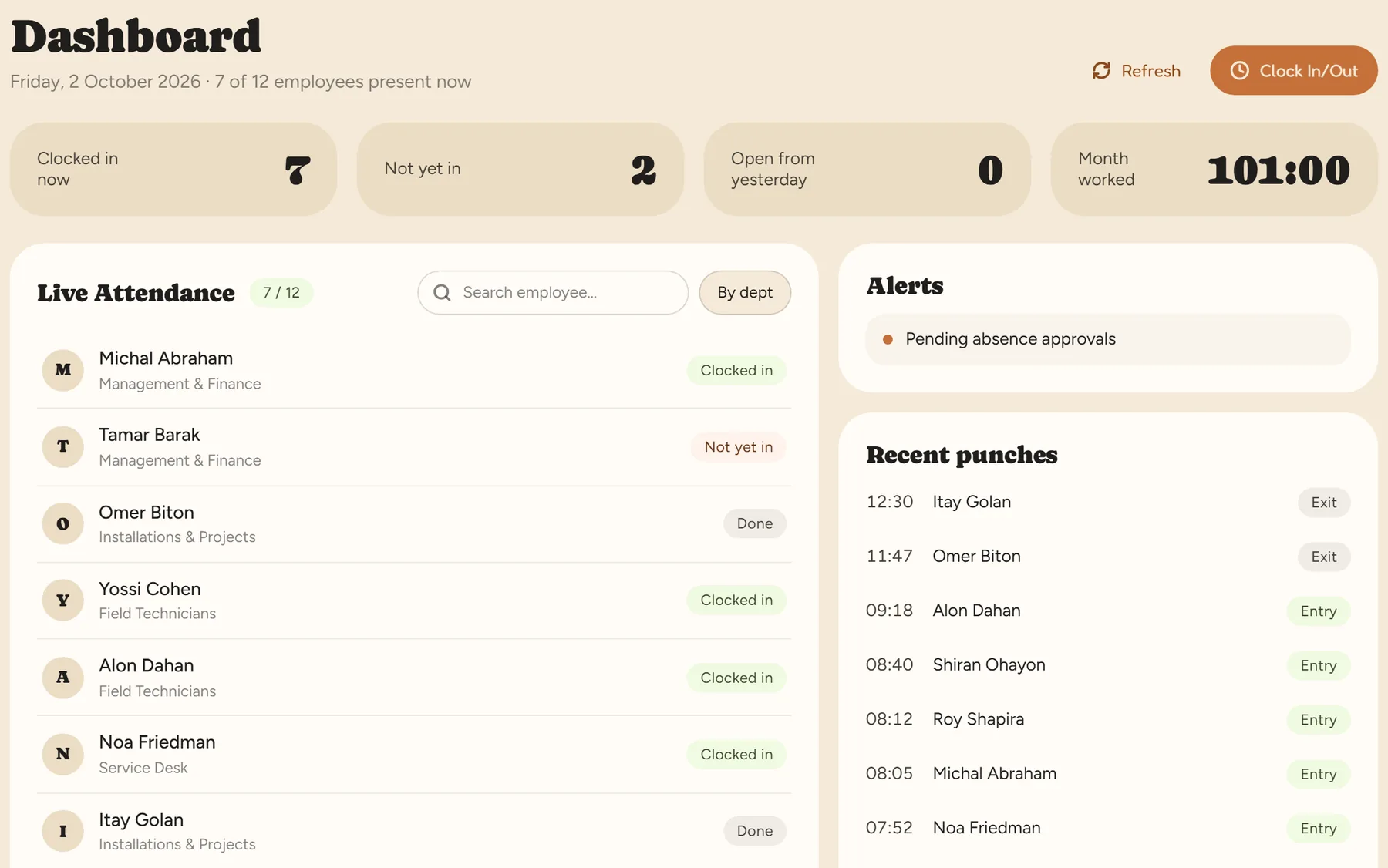
Reports filter by department and position. The easy way is a department per branch, so each branch manager sees their own team.
They clock in at each branch as usual, and all their punches go into the same monthly report.
No. Staff clock in from their phone or at an NFC tag on the wall. A kiosk with employee cards is an option, not a requirement.
No. You pay only for active employees, and anyone marked inactive is not counted.
A 14-day trial, up to 100 employees, no credit card. After that, pricing is by active employees.