Clock in at the kitchen door
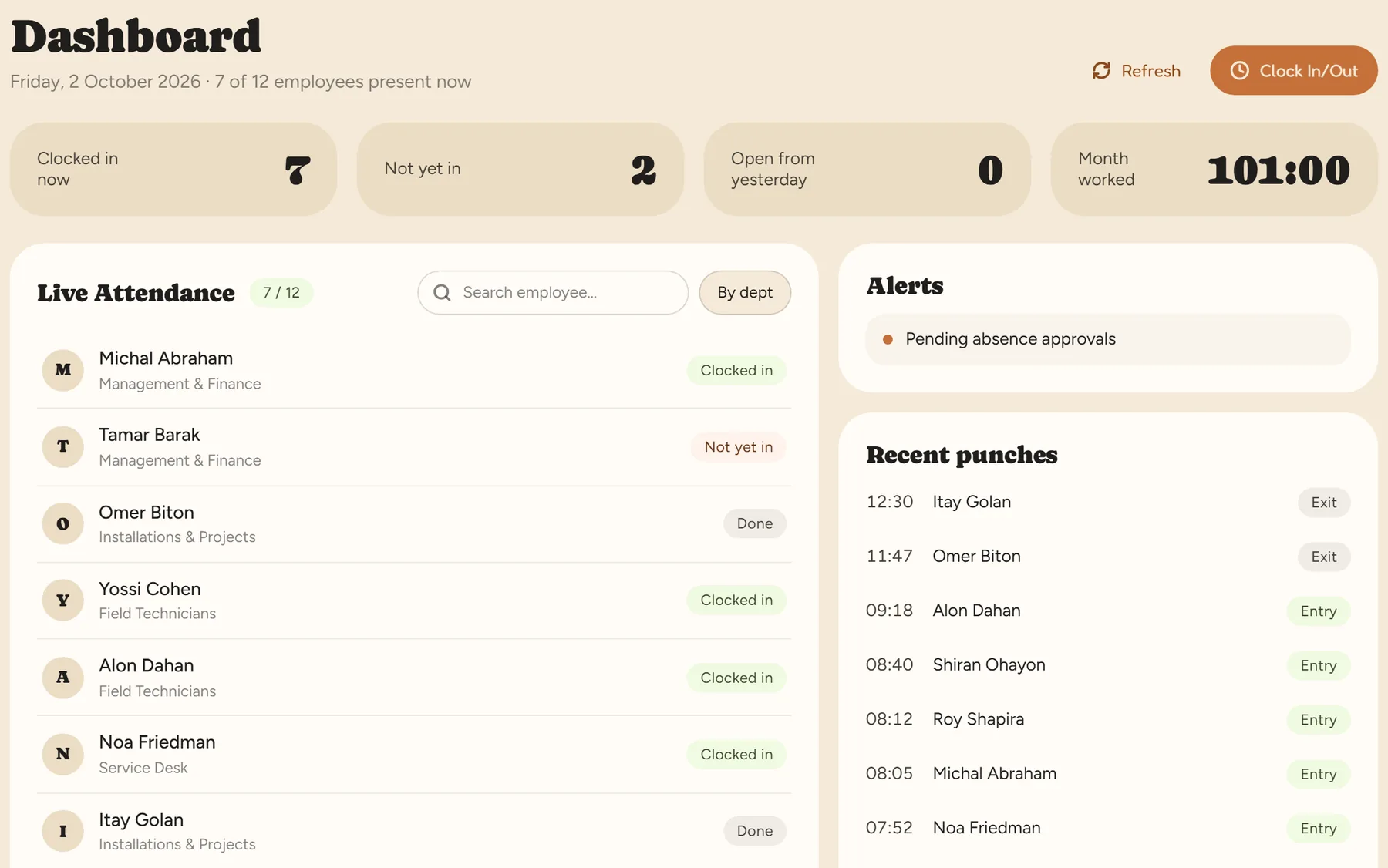
An NFC tag on the wall — the employee taps their phone and the shift starts. Staff who don’t carry a phone on shift use an employee card at a tablet.
Shifts that change every week, hourly staff and busy weekends — and the hours still reach payroll right.

An NFC tag on the wall — the employee taps their phone and the shift starts. Staff who don’t carry a phone on shift use an employee card at a tablet.
Build the schedule from templates and publish it; employees see it in the app. They swap shifts with each other or pick up an open shift — with manager approval.
A shift that runs past midnight counts as one shift. Overtime and Shabbat and holiday rates are calculated automatically by law.
The manager is alerted to a punch left open or a day with no report, and fixes it with a reason that is kept in the log.
No. RayClock calculates working hours, overtime and Shabbat and holiday rates. Tips are handled outside the system or in payroll.
Each employee can get a personal NFC card and clock in with it at a kiosk — an NFC-capable Android tablet with an internet connection.
No. You pay only for active employees. Someone who has left and is marked inactive is not counted.
Yes. An employee can clock in and out several times a day, and hours are calculated across all of them. In the schedule, each employee gets one shift per day.
A 14-day trial, up to 100 employees, no credit card. After that, pricing is by active employees.