Shift schedule
Build the schedule from templates and publish it. Agents swap shifts or pick up an open one — with team lead approval.
Morning, evening and night shifts, scheduled breaks and a team that partly works from home.

Build the schedule from templates and publish it. Agents swap shifts or pick up an open one — with team lead approval.
Breaks are set in the work profile and deducted by your policy. Daily and weekly overtime are calculated by law.
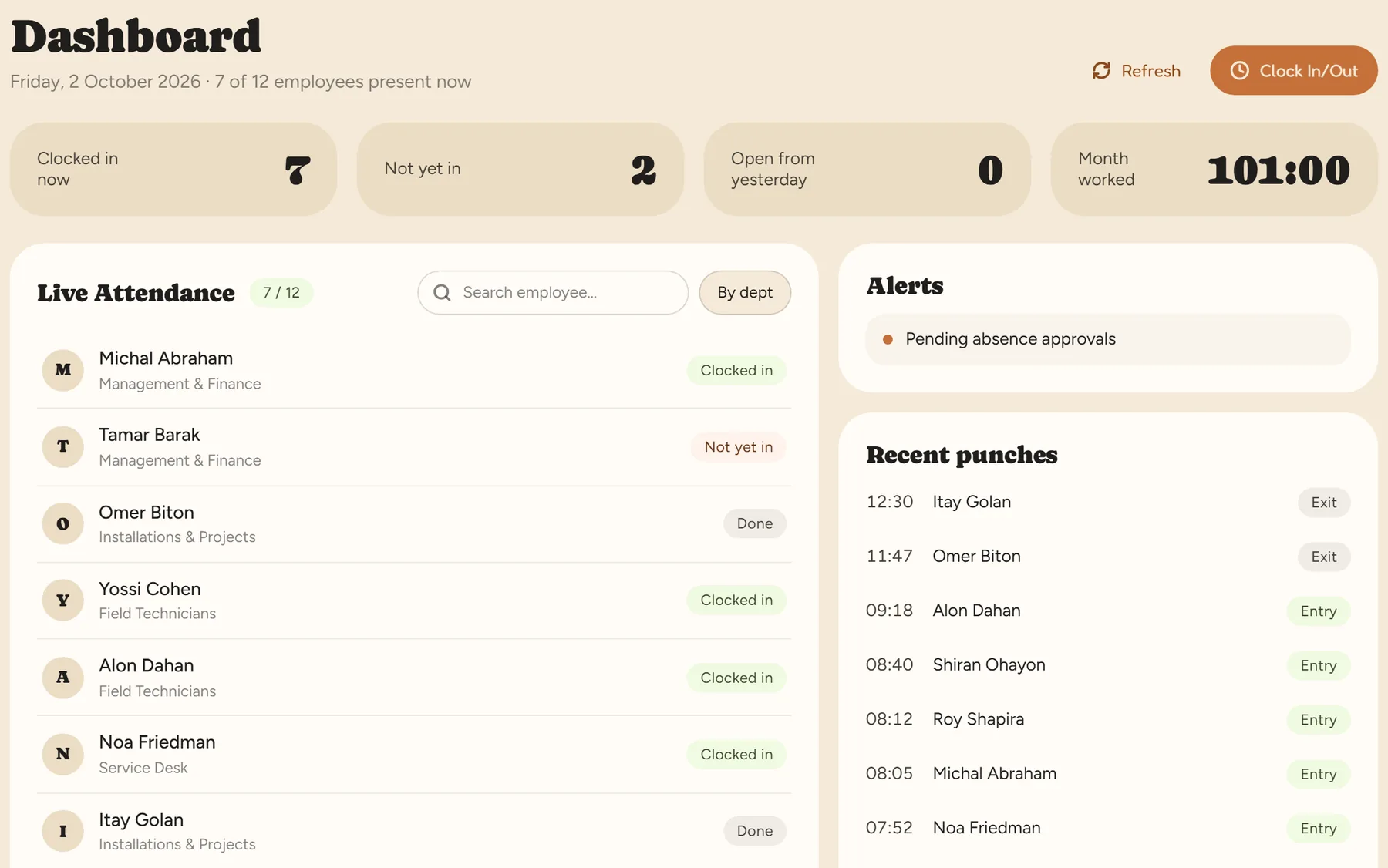
The team lead sees who has started, who hasn’t and who has finished — and is alerted to a punch left open.
Employees request an absence in the app, attach a sick note and see their balance.
From the browser or the app. You can turn location checks on — or not. What is allowed and required is in our guide to remote attendance.
Set paid or unpaid break windows, or a fixed deduction, in the work profile. Details in our break deduction guide.
It counts as one shift, with the right rates.
Yes. A department manager sees and approves the employees in their department.
A 14-day trial, up to 100 employees, no credit card. After that, pricing is by active employees.