Mobile attendance clock app with GPS check

From invitation to first clock-in
Invite the employee
The employee sets a password and logs in from their phone, in the app or the browser, whichever suits them.
Clock in and out
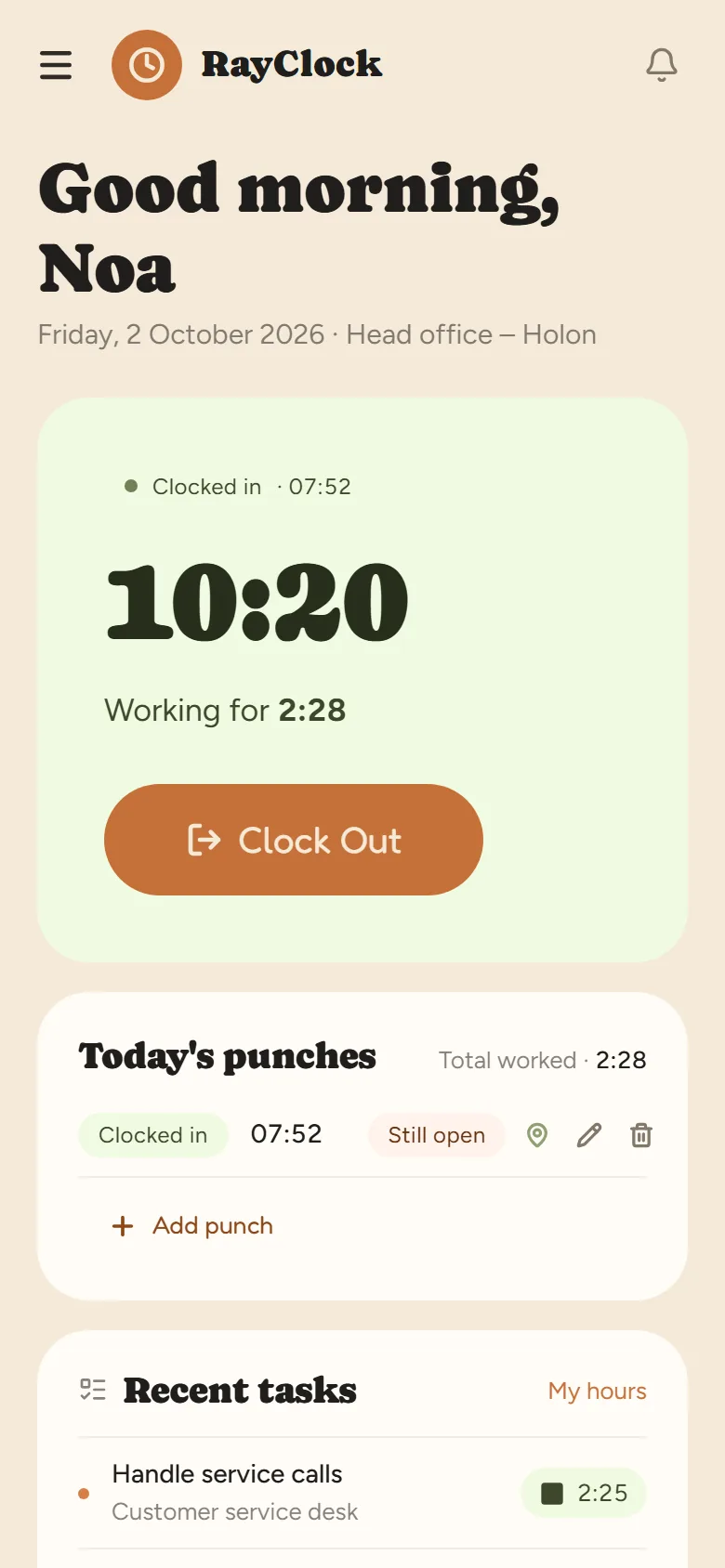
One button at the start of the shift and one at the end, with location verification if it's set up.
The report builds itself
Every clock-in goes into the monthly report with the full calculation — breaks, overtime, Shabbat and holidays.
When your team isn't all in one place



Frequently asked questions
Do I need to install an app to clock in from a phone?
Not necessarily. There's an app for Android on Google Play and for iPhone on the App Store, and clocking in also works from the phone's browser, so employees can start clocking in right after they're invited to the system.
How do I know the employee was really at the workplace?
You can check the device's location at the time of clocking in against a radius set for the site. If location enforcement is on, a clock-in from outside the range or without a location is blocked.
What happens if an employee forgot to clock out?
The system detects a clock-in that was left open and alerts you. You can correct the record, with a log of who changed it and when.
Are hours from the phone calculated according to Israeli law?
Yes. The same calculation engine runs on every clock-in method: break deductions, overtime tiers, and Shabbat and holiday rates according to the Hebrew calendar.
Does the system track the employee's location all day?
No. Location is checked only at the moment of clocking in or out, and only if the employer turned on location checks for the work site. Nothing is collected between punches.
What does an employee need to start clocking in from a phone?
Send them an invitation from the system. They open the link we send by email or SMS, choose a password and clock in from the browser or the RayClock app for Android or iPhone. Every step is in the setup guide.
What if there's no signal when clocking in?
The phone needs an internet connection to send a punch. If one did not go through, it can be completed later with a reason — by the employee if you allow it, or by a manager — and the correction is kept in the change log.