Clock in on site
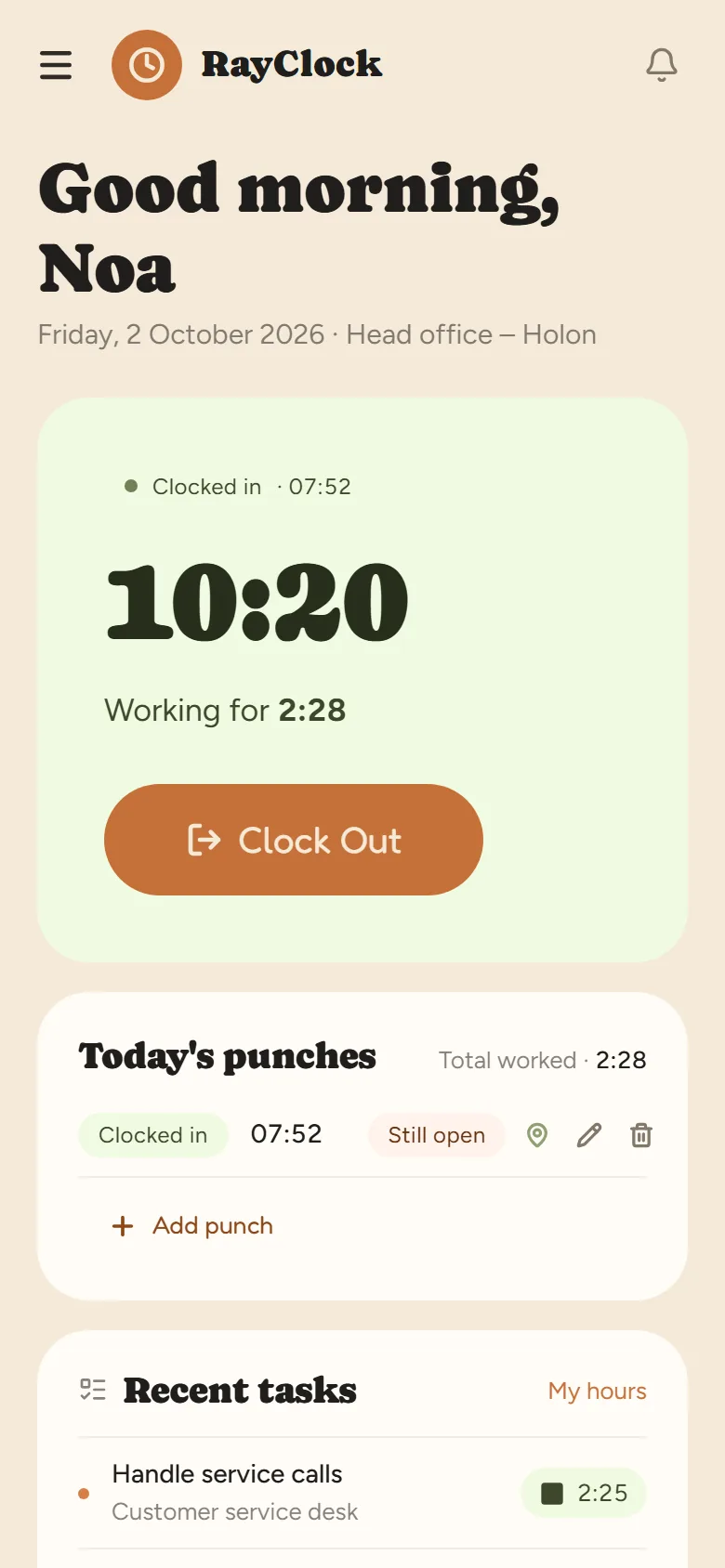
The employee clocks in from their phone, and location is checked against the site only at that moment. You can also put an NFC tag at the site entrance.
Crews moving between sites, a day that starts at seven, and licenses that have to stay valid.

The employee clocks in from their phone, and location is checked against the site only at that moment. You can also put an NFC tag at the site entrance.
Set up a work site for each project, and each punch is recorded with the site it was made at.
Keep permits, licenses and certifications for each employee with an expiry date, and get an alert ahead of time before they expire.
Employees use the app in Hebrew, English or Russian.
Give them a personal NFC card and they clock in at a kiosk — an NFC-capable Android tablet. The kiosk needs an internet connection.
Hebrew, English and Russian. Other languages are not supported yet.
Sending a punch needs an internet connection. If one did not go through, it is completed later with a reason, and the correction is kept in the change log.
No. Location is checked only at the moment of clocking in or out, and only if you turned on location checks. On the legal side, see our guide to GPS time clocks.
A 14-day trial, up to 100 employees, no credit card. After that, pricing is by active employees.