Shifts across clinics
Set up each clinic as a work site, build the schedule and publish it. Staff see when and where they work.
A team working in shifts, sometimes at more than one clinic, with professional licenses that have to stay valid.

Set up each clinic as a work site, build the schedule and publish it. Staff see when and where they work.
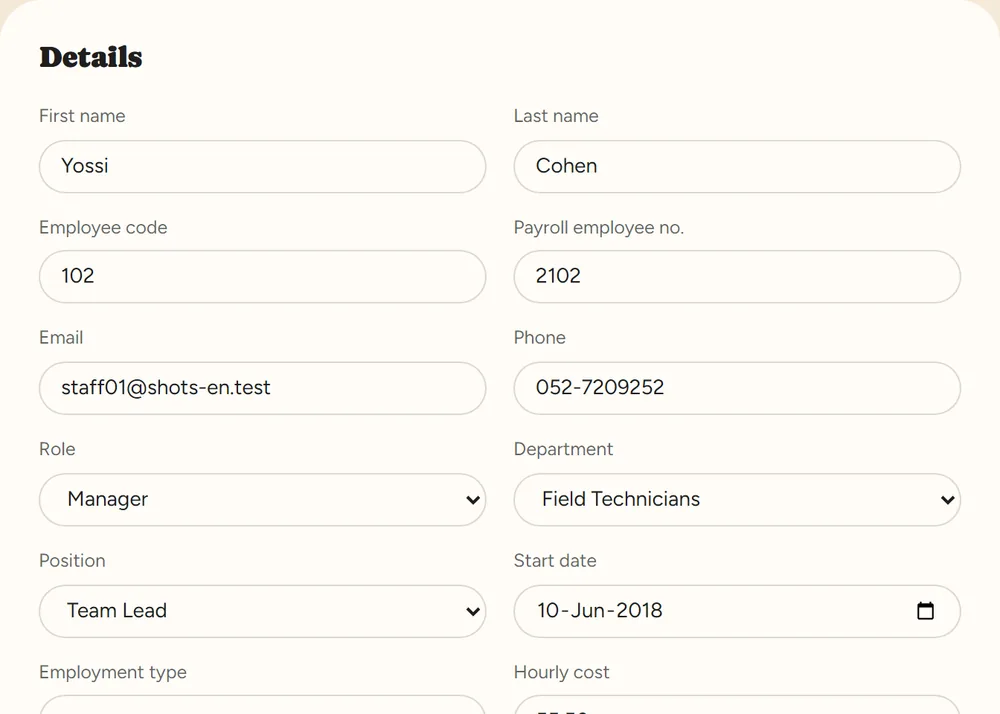
Keep each staff member’s license, certifications and training with an expiry date, and get an alert ahead of time.
Send the employment contract and documents for digital signature; they are kept in the employee file.
Leave and sick requests from the phone, balances that update themselves, and manager approval.
Yes. Each employee file lists credentials with expiry dates, and the system alerts you before expiry, as many days ahead as you set.
They clock in at each clinic as usual, and all their punches go into the same monthly report.
Each document has a visibility level: HR only, also the manager, or also the employee.
No. RayClock manages your staff — attendance, shifts and employee files — not patient data.
A 14-day trial, up to 100 employees, no credit card. After that, pricing is by active employees.