Large companies
Time and attendance for large companies
Departments, managers and permissions that match your org chart, with one month-end for the whole company.
Built for larger teams
Departments within departments
Mirror your org chart, and each manager sees the departments under them.
Permissions by role
Admins see the whole company, managers their own teams, and employees only themselves.
Google or Microsoft login
Employees sign in with the work account they already have.
Activity log and month lock
Every correction is recorded, and the month is locked before payroll.
One month-end for the whole company
- 01
Managers approveEach manager approves their team's absences and corrections.
- 02
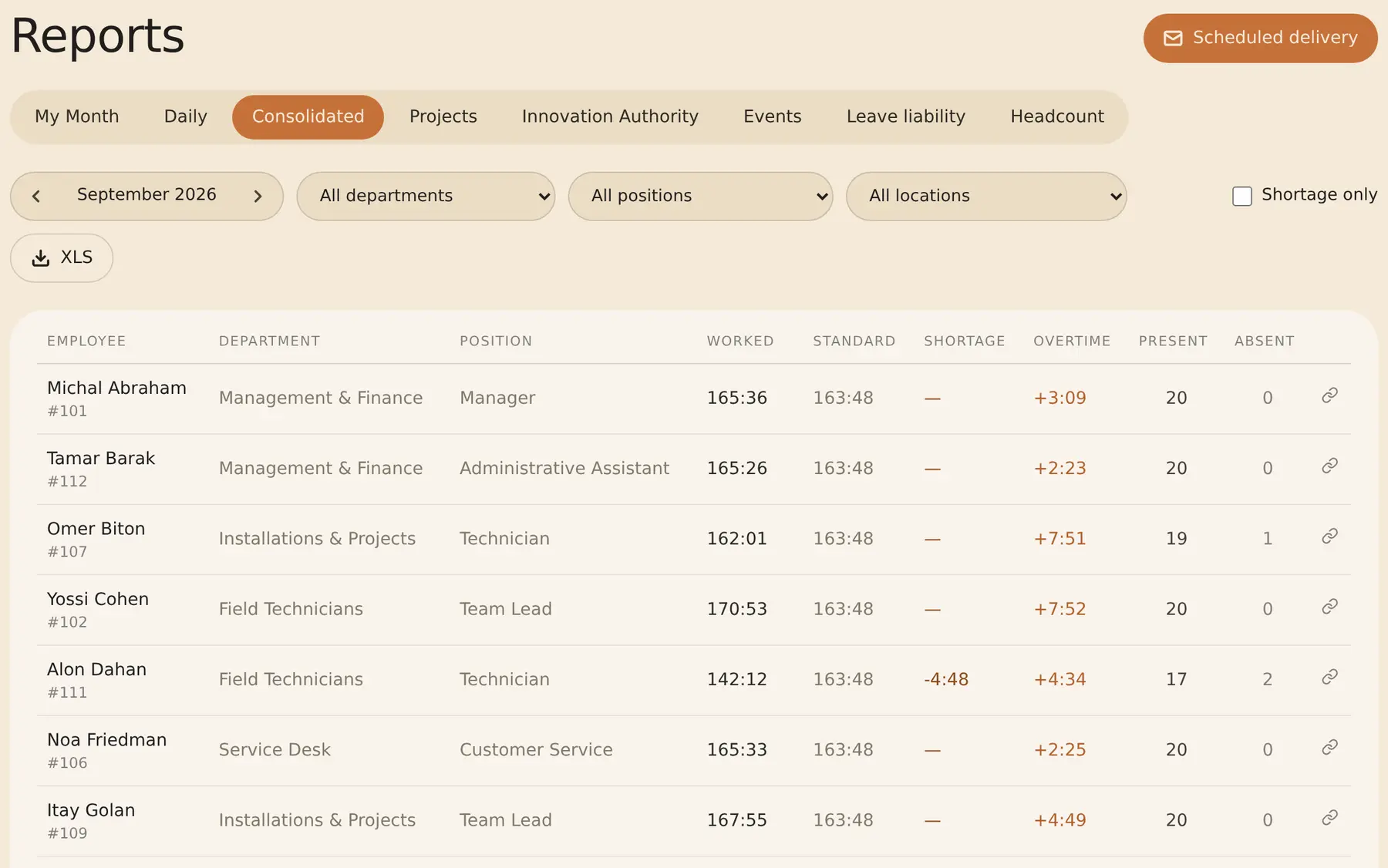
Reports arrive by emailScheduled reports reach managers and payroll on time, as Excel files.
- 03
Payroll gets one fileLock the month and export one file for the whole company.
How the switch works: from the first call to the first month
- 01
Intro callWe go through your org structure, clock-in methods and payroll system together.
- 02
Org structureDepartments within departments, with a manager for each. A parent department’s manager sees everything below it.
- 03
Employees and work profilesImport employees from Excel or CSV, even a file from another system. Work profiles are built from ready-made presets and assigned to many employees at once.
- 04
Edit permissionsSet company-wide whether managers can correct their team’s punches and whether employees can correct their own, and override per user.
- 05
The payroll fileShiklulit (Excel or a TAMAL file) or your own Excel/CSV template — one file for the whole company or per department. Your accountant or payroll bureau gets read-only access.
Punch history from your previous system can also be imported, with a solution built for your data — tell us on the intro call.
Questions from larger companies
Is there a limit on the number of employees?
No. Up to 150 employees the price is per active employee, and above 150 we put together a custom quote.
Can a manager see another department's data?
No. A manager sees only the departments they manage and the ones under them. Admins see everything.
Can our accountant or payroll bureau get access?
Yes. Your accountant gets read-only access and downloads the payroll file for each month themselves.
Will you help us move over?
Yes. Book a call, and we go through importing employees from Excel and setting up departments and sites with you.
Want to see RayClock at your company?
14-day trial, up to 100 employees, no credit card. After that, the price depends on the number of active employees.