In the warehouse: tag or kiosk
An NFC tag at the warehouse entrance, or a kiosk with personal cards for staff who don’t carry a phone on the floor.
A warehouse running two shifts, drivers who leave before the office opens, and couriers who never walk through the door. Everyone clocks in, and the hours land in the same report.

An NFC tag at the warehouse entrance, or a kiosk with personal cards for staff who don’t carry a phone on the floor.
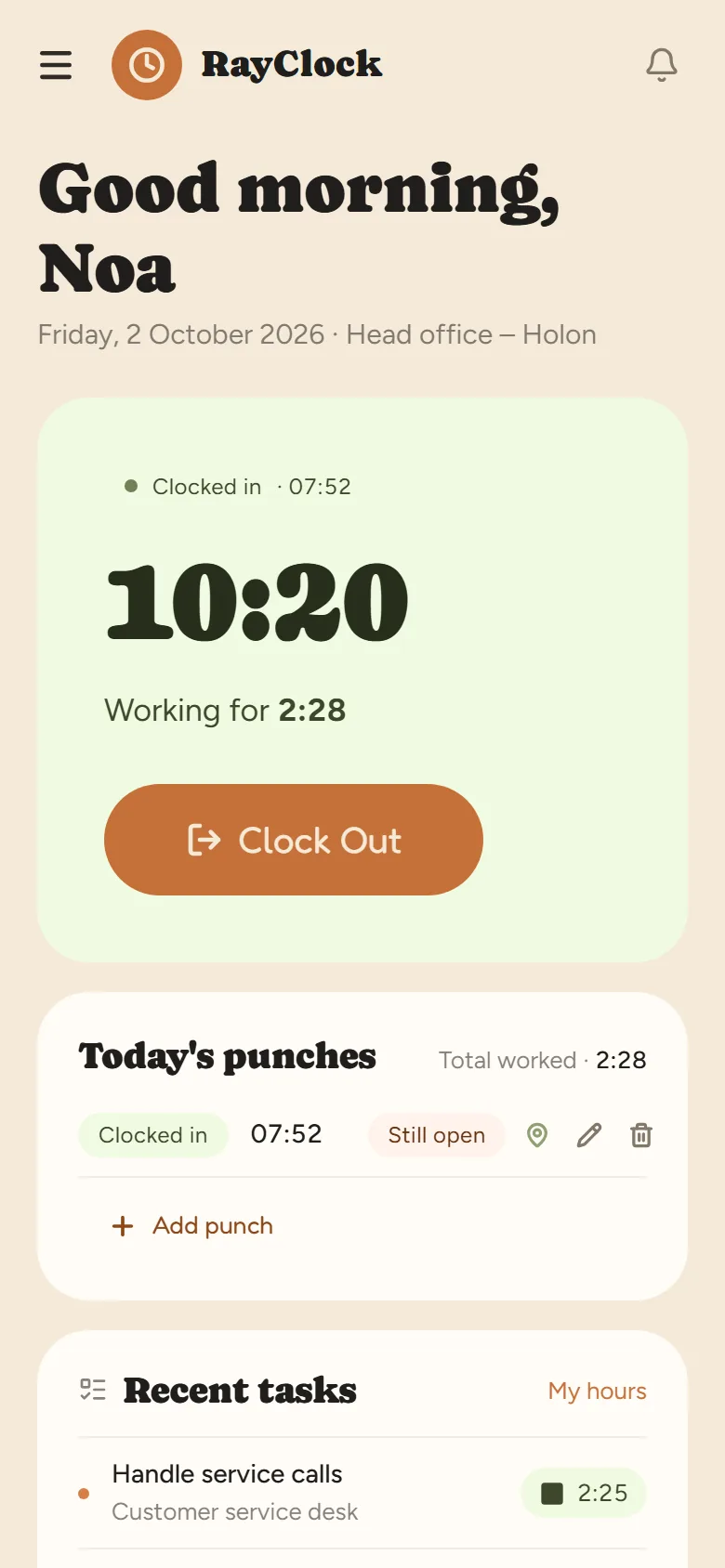
Drivers and couriers clock in from the Android or iPhone app or the phone’s browser. A location can be attached to the punch, depending on company settings and device permissions.
Publish an open shift, whoever is available asks for it and the manager picks. Employees swap shifts with each other with the manager’s approval.
The daily report shows how long each employee worked, including overtime, so you see who is getting close to 12 hours a day instead of finding out at month-end.
The driving licence is kept in the employee file with an expiry date and an advance alert. A vehicle, phone or scanner issued to the employee is recorded as equipment.
The manager gets an alert about a punch left open or a day with no report, and it is fixed with a reason saved in the log.
Under the general overtime permit, a workday is capped at 12 hours including overtime, with up to 16 overtime hours a week. The premium is 125% for the first two overtime hours each day and 150% from the third. In night work, the regular workday is 7 hours. Details in how many hours you may work in a day and our guide to the Hours of Work and Rest Law.
RayClock does not block a punch after 12 hours and does not send an alert about it. It counts the hours for each day and shows them in the report, so you can spot long days in time. Professional drivers are also subject to driving and rest rules under the Traffic Regulations — RayClock counts working hours from punches, not driving hours.
This is general information, not legal advice. Collective agreements, extension orders and personal contracts may set different, sometimes better, terms.
Yes. They clock in by phone wherever they are. Location enforcement is set per site, and when it is on, a punch outside the radius is blocked. So if drivers clock in on the road, leave enforcement off — the location is still recorded with the punch if the device allows it.
No. It counts each day’s hours and overtime and shows them in the daily and monthly reports, and the manager does the check. On the limits themselves, see how many hours you may work in a day.
No. It counts working hours from punches. Professional drivers’ driving and rest hours are managed under the Traffic Regulations, with tools made for that.
Sending a punch needs an internet connection. If a punch didn’t go through, it is completed later with a reason — by the employee if you allow it, or by the manager — and the fix is saved in the change log.
No. RayClock calculates working hours, overtime and Shabbat and holiday rates. Per-delivery pay is calculated outside the system or in the payroll system.
No. The location is checked only at the moment of the punch. Between punches no location is collected. For the legal side, see the GPS time clock guide.
Mobile time clock app · Shift scheduling · Attendance reports and export · Hours of Work and Rest Law
14-day trial, up to 100 employees, no credit card. After that, the price depends on the number of active employees.