Tasks from your tools
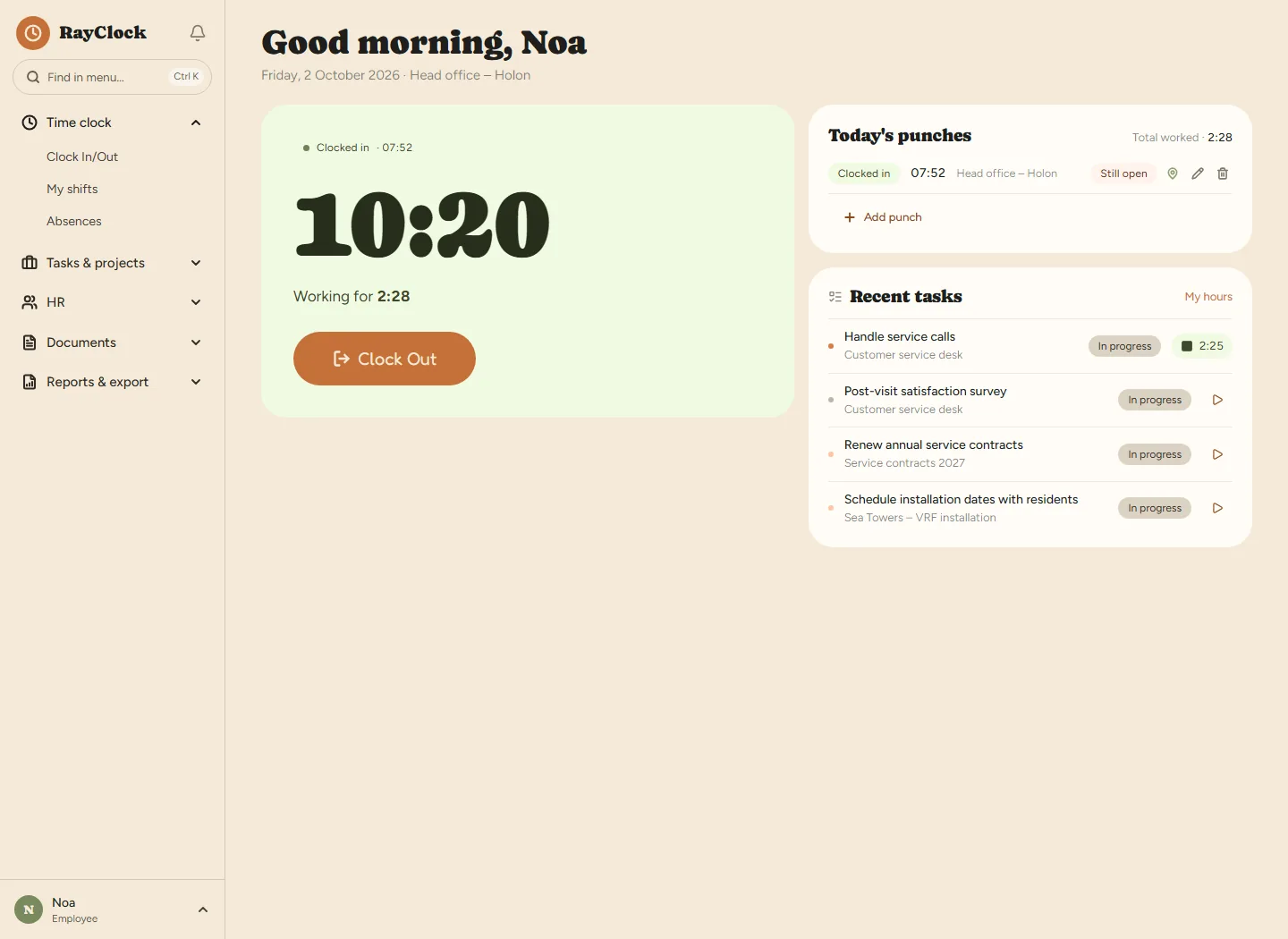
Connect Jira, Monday or Asana and the tasks appear for each employee. Hours are logged against the task, with no copying by hand. The sync only reads and changes nothing in your tools.
A hybrid team, projects whose cost you need to know, and tasks already managed in Jira, Monday or Asana.

Connect Jira, Monday or Asana and the tasks appear for each employee. Hours are logged against the task, with no copying by hand. The sync only reads and changes nothing in your tools.
A report of hours by project and task, and for admins, budget vs. actual from each employee’s hourly cost.
Clock in from the browser or phone. Location checks only if you want them, and only at the moment of clocking in.
A contract with digital signature, equipment assigned to the employee, and onboarding tasks that tick themselves off as they happen.
No. RayClock only reads tasks from them. Nothing is written back to your tools.
They don’t have to. The employee picks a task and starts working, and hours are logged against it. It can be corrected later, and the change is kept in the log.
Yes. Set an hourly cost per employee, and admins see budget vs. actual for each project.
Yes. Clock in from the browser or phone; location checks are optional. See also what the law requires for remote work.
A 14-day trial, up to 100 employees, no credit card. After that, pricing is by active employees.